Meet
Moki
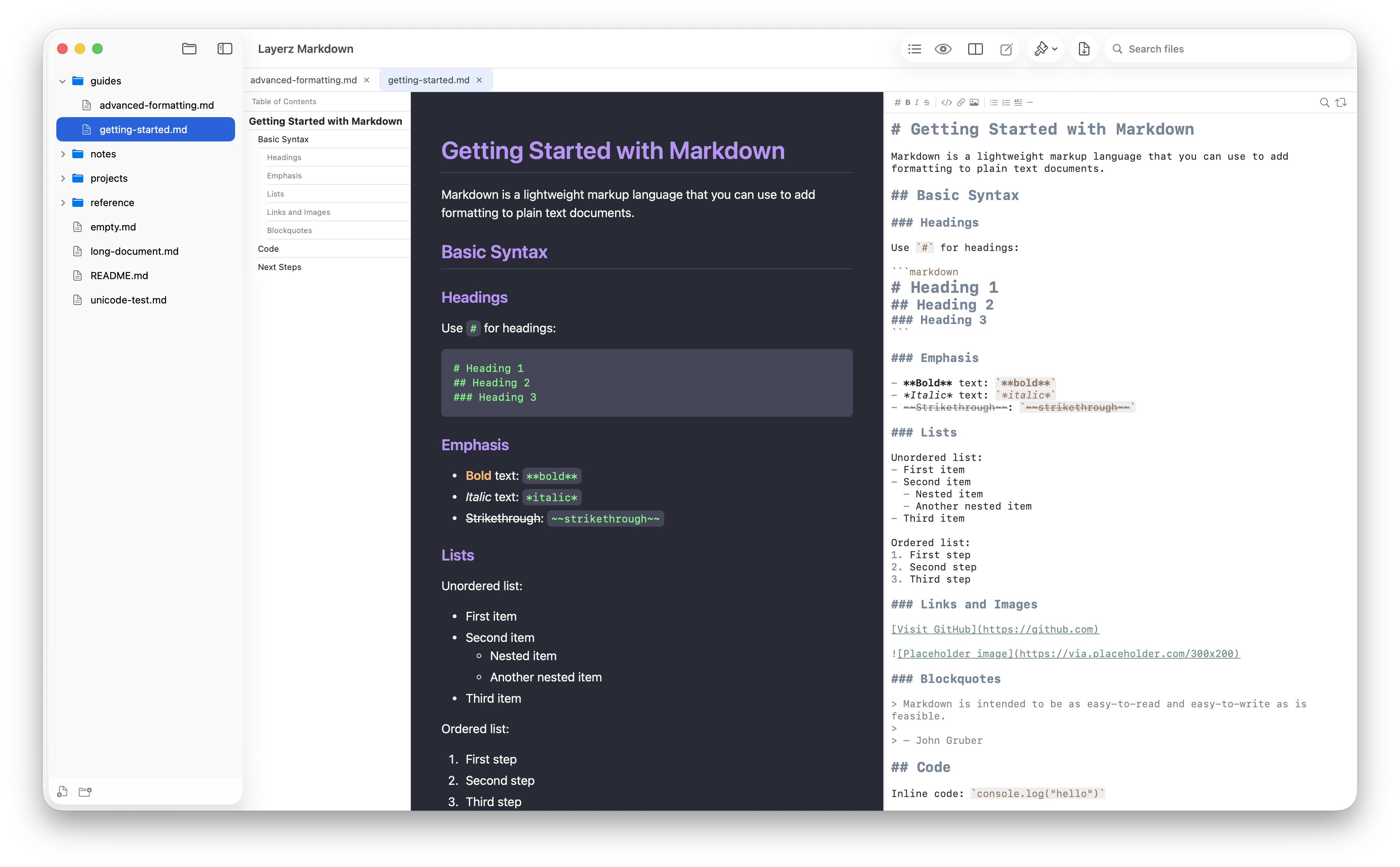
A fast, friendly home for your Markdown — a lovely place to read it, write it, and watch a whole folder of docs come together. Press Space in Finder to preview any .md with QuickLook, in the theme you choose.


Features
Simple, powerful, and fast
Everything you need for Markdown — nothing you don't.
Beautiful Markdown
GitHub-flavored rendering with tables, task lists, and colorful code blocks. Math formulas and diagrams come to life, right from plain text.
Comfortable Editor
Live preview beside the editor, a formatting toolbar, find & replace, smart list continuation, and gentle syntax colors that are easy on the eyes.
Made for Vibe Coding
Open a folder and every Markdown file shows up in the sidebar. Files re-render the instant they change on disk — watch your notes, plans, and AI-written docs update live, all in one place.
Clean PDF Export
Preview any document as a paginated PDF, then export it — A4, Letter, and more, with tidy page breaks that never cut a block in half.
10 Themes, or Your Own
GitHub, Serif, Solarized, Dracula, Nord, Sepia, and more — with automatic Light and Dark mode. Or design your own theme with colors and fonts in the theme editor.
Beyond Markdown
View source code with syntax highlighting, plus PDFs, images, and video — right in the app. Files open in tabs you can pin and keep their place.
QuickLook
Press Space. See it rendered.
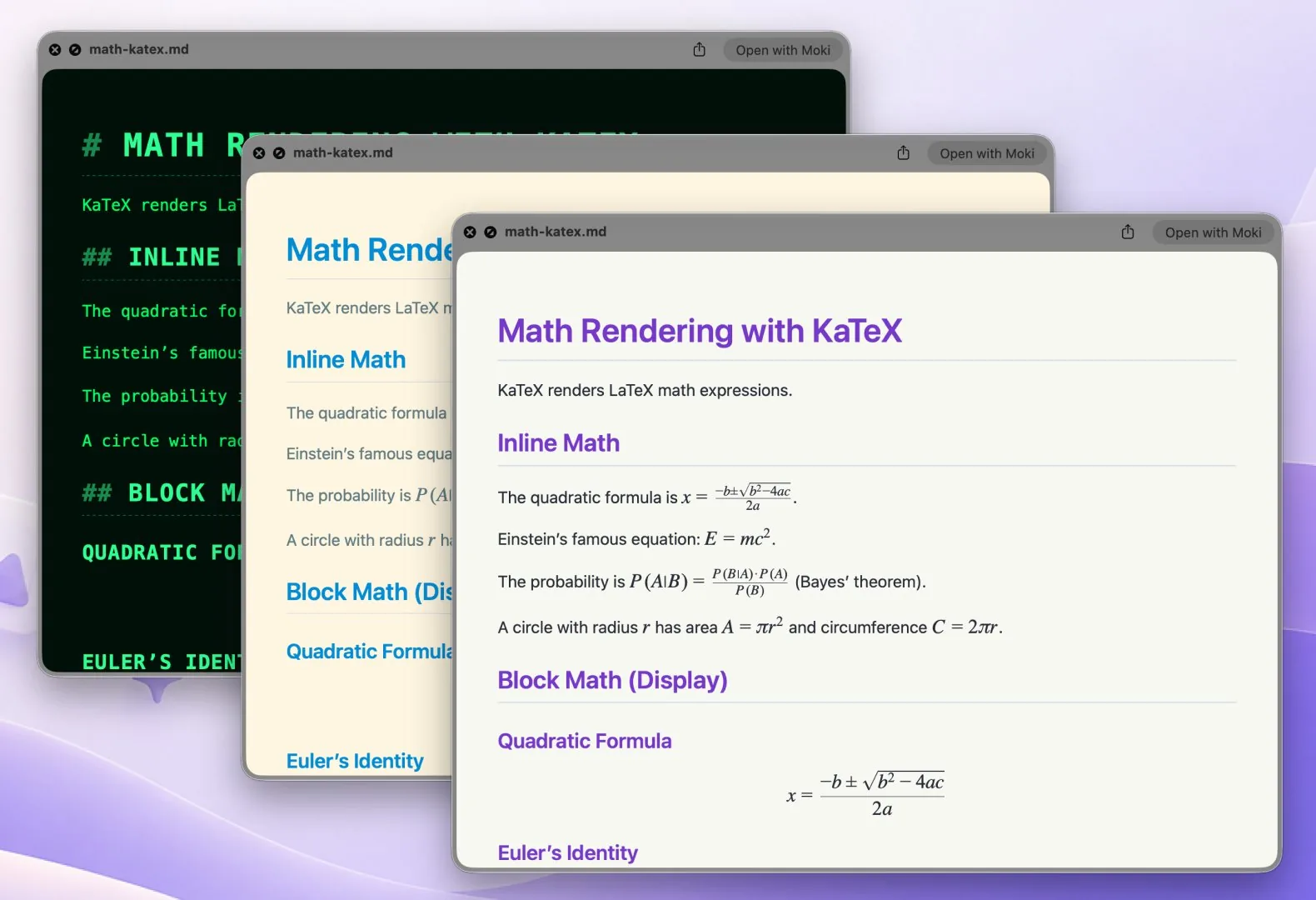
Select any .md file in Finder and press Space. Moki's QuickLook preview shows it fully rendered — headings, tables, code, math, and diagrams — without opening an app.
Your theme, in QuickLook too
Moki ProChoose the theme QuickLook uses — any of the 10 built-in themes, or one you designed yourself in the theme editor. Set it once in Settings, and every Space-bar preview in Finder looks the way you like.
- Built-in themes or your own custom theme
- Theme edits show up in QuickLook automatically
- Math and diagrams rendered, just like in the app
QuickLook is available on macOS.
Display Modes
Three ways to work
Switch between Viewer, Editor, or Side-by-Side mode with a single shortcut.
Viewer Only
Focus on reading with beautiful rendered output.
Side by Side
Edit and preview simultaneously. See changes in real time.
Editor Only
Full-screen editing with syntax highlighting.
Your Markdown,
beautifully rendered
Available on macOS and iOS. Open any .md file and start working.