Subtitle Me
내 말에 자막을 달아요
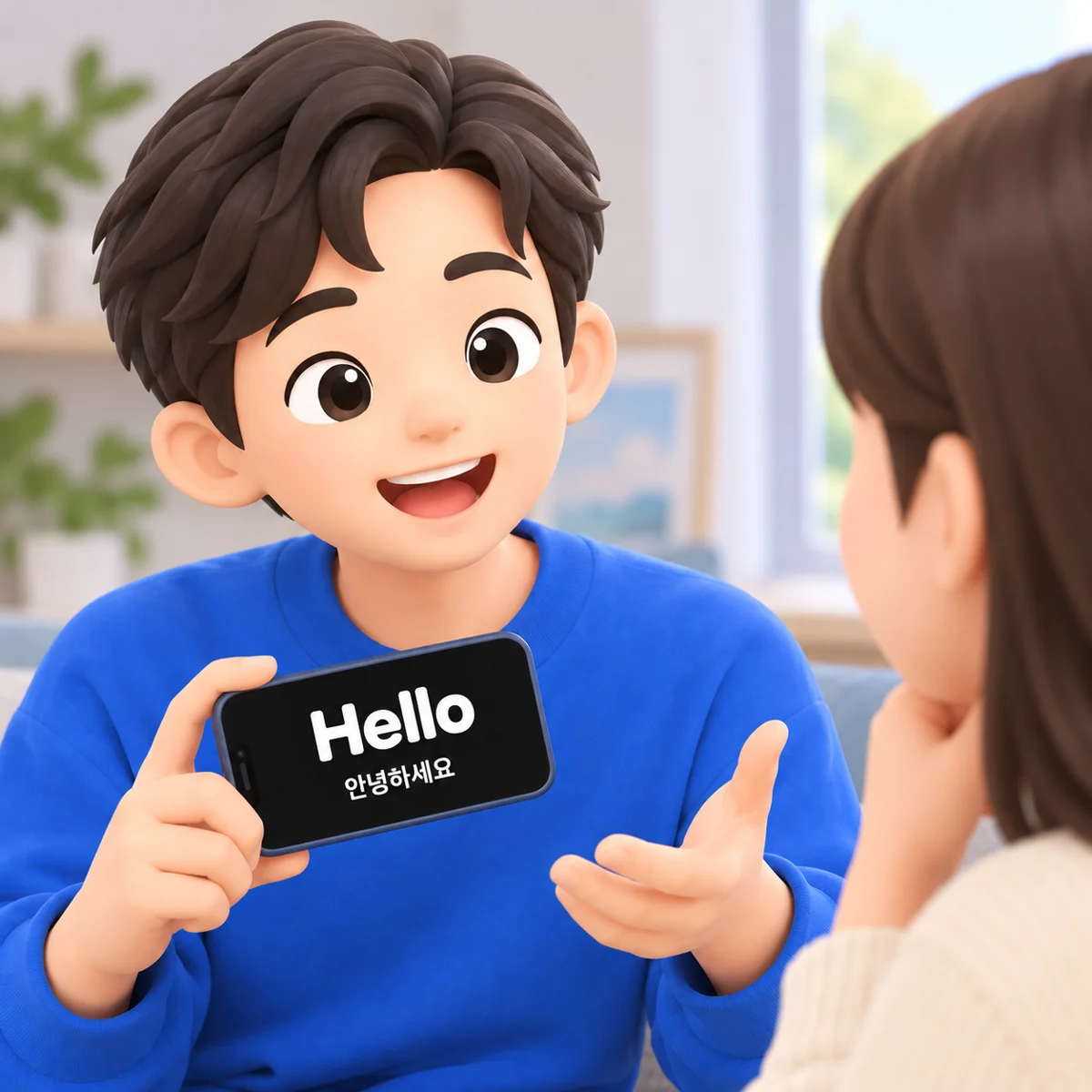
Hold your iPhone toward the person you're talking to and speak. What you say appears as live subtitles — in your language, translated, or both. Speech recognition and translation run on the device.

How it works
Three taps, then just talk
Pick what they see
Your language, a translation, or both. Choose the languages once; the app remembers.
Hold the phone toward them
Just under your face, screen facing out. Tap Start.
Talk
Captions appear as you speak, like subtitles in a film — only the film is you.
Features
Made for noisy rooms, quiet rooms, and other languages
When your voice doesn't carry, your screen can.
Live captions
Your words show up as you speak, in big high-contrast type made to be read from across a table.
Translated captions
Speak your language, show theirs. Translation runs on your iPhone and works offline once a language pack is downloaded.
Original and translation together
They read the translation, you keep an eye on what was recognized. Both lines, one screen.
Private by design
No account, no server. Speech recognition and translation happen on the device, so what you say never leaves it. The only data sent is anonymous usage statistics, which you can turn off.
Readable at a distance
Three text sizes on top of your system font setting, subtitle or speech-bubble style, and a screen that stays awake while you talk.
History that follows you
Every conversation is saved and searchable, synced across your devices through your own iCloud — or kept on one device if you prefer.
Free and Pro
Captions in your language are free. Forever.
Subtitle Me Pro adds translation and full history, as a monthly or yearly subscription with a 7-day free trial on the yearly plan.
| Free | Pro | |
|---|---|---|
| Captions in your language | Unlimited | Unlimited |
| Translated captions | — | ✓ |
| Original + translation together | — | ✓ |
| History | Latest 10 sessions | Everything |
| iCloud sync | ✓ | ✓ |
| On-device processing | ✓ | ✓ |
Nothing you saved is ever deleted when a subscription ends; older sessions simply wait until Pro is active again.
Speak, and captions appear
For iPhone, iPad, and Android. English, Korean, Japanese, and Chinese interface; captions in every language your device can recognize.