
Layerz Promo
Promo videos for your app, in minutes
Bring your screen recordings and screenshots. Layerz Promo puts them on a real 3D iPhone, moves the camera, places your words and adds the music — then exports a video ready to post.
For Mac · macOS 15 or later · Now in beta
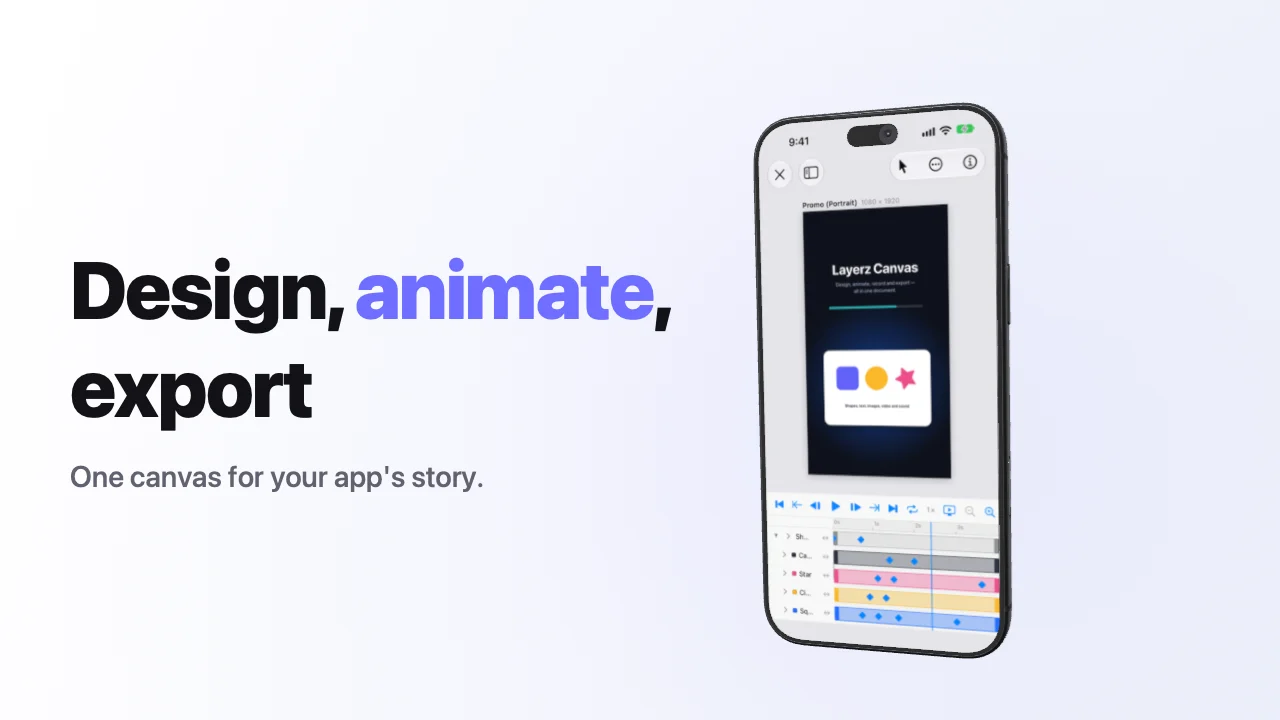
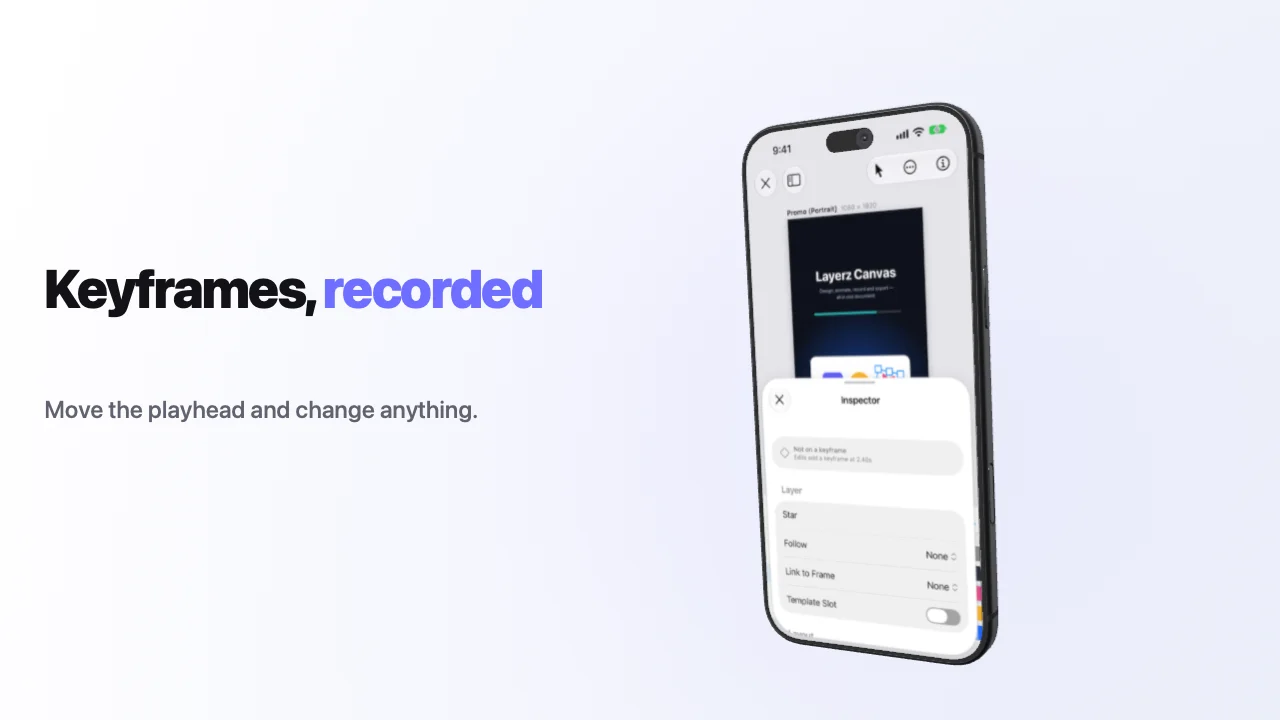
A frame from a video made in Layerz Promo — the app on the phone is a screenshot dropped into the scene.
Four steps
From screenshots to a video you can post
No timeline to learn. Each scene is a style, a clip and a few words — the motion is already done.
Pick a starter
App Launch, Social Teaser or a single title. You get a short video made of scenes, already moving.
Drop in your app
Give each scene a screen recording or a screenshot — or record a connected iPhone over a cable.
Say it in a few words
A headline and a line per scene. Change a scene's style and the camera, timing and layout follow.
Export
MP4 or MOV, landscape or portrait — for the App Store, your site, Reels, Shorts and Stories.
Styles
Every scene, a different camera move
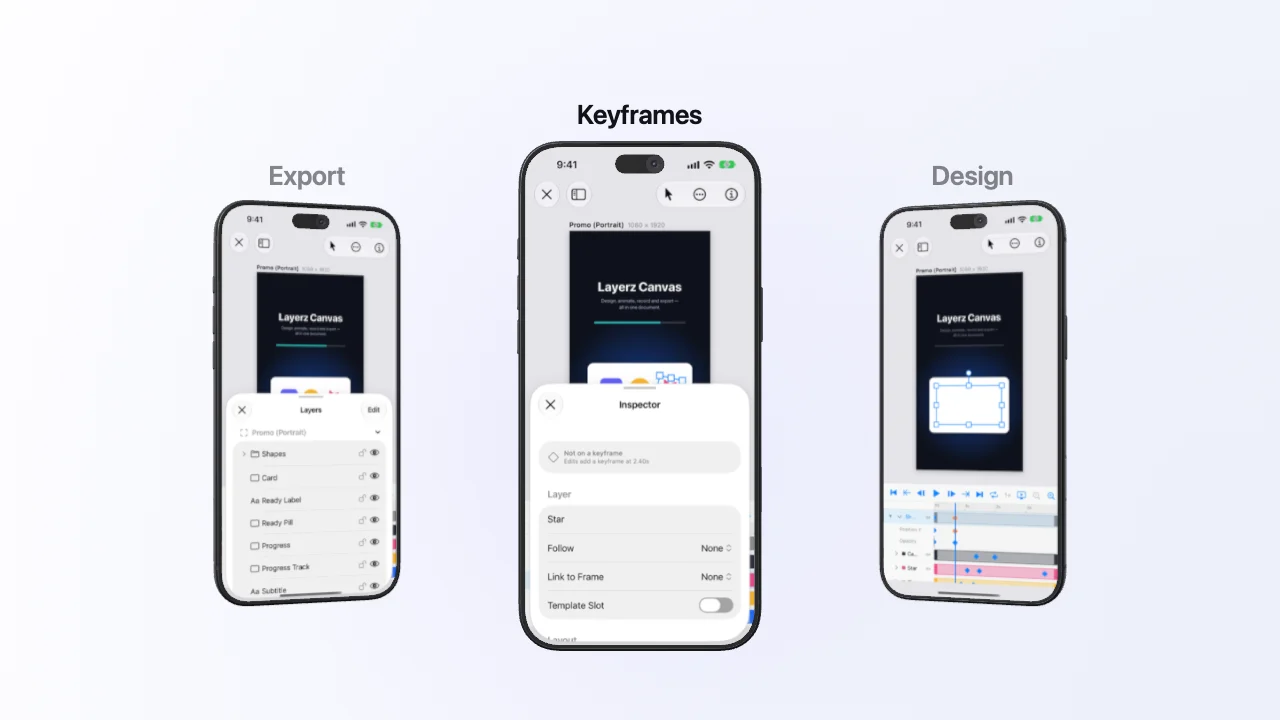
Pick a style and the phone, the camera and the words move together. Change your mind and everything follows — your clip and words stay.
Made for app makers, not video editors
A real 3D iPhone
Your recording plays on a detailed iPhone — pick its size and colour — or on an iPhone Duo that folds and unfolds on screen.
Styles, not timelines
Callouts, close-ups, drops, turns, a three-phone carousel, words-only cards and more. Every style is a camera move with its words placed for it.
Your look
Colours, gradients, studio lighting or your own picture behind the phone, changing from scene to scene. Put a word between asterisks to colour it.
Music that fits
Generate a track in one of six moods, cut to your video's length and scenes — or use your own file.
Every language at once
Type each scene's words per language and export one video for each, from the same project.
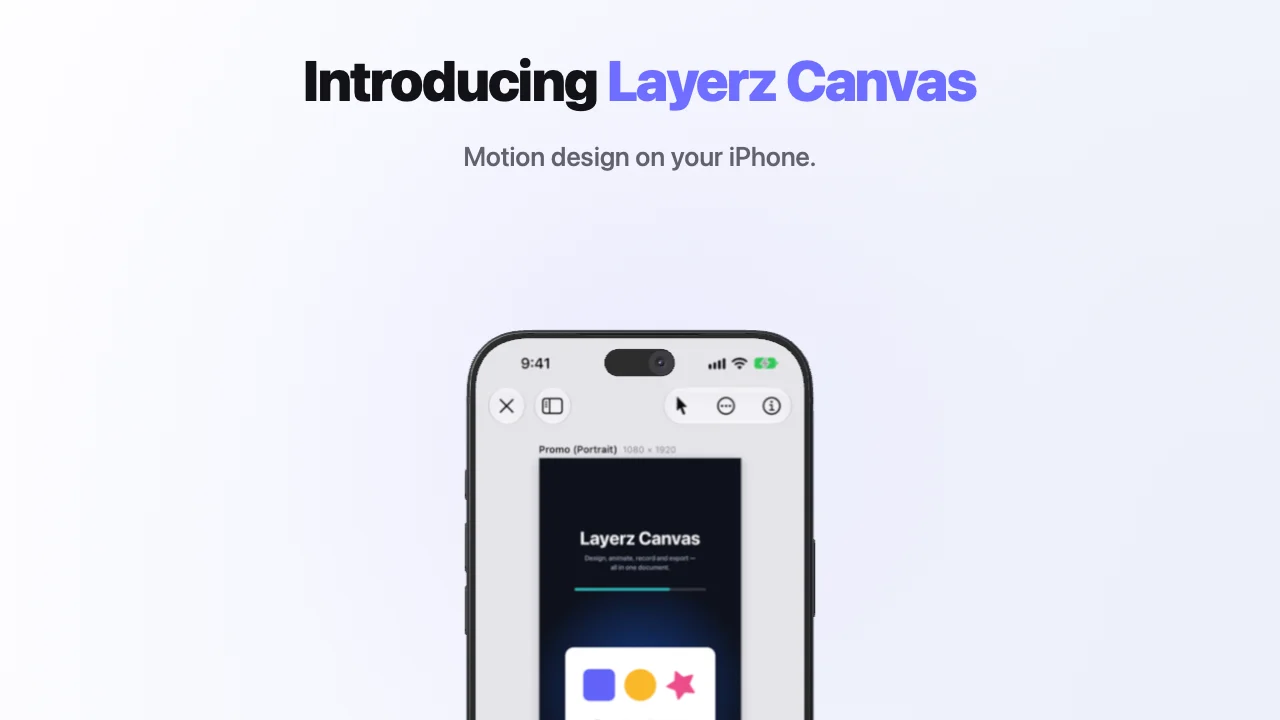
Keep editing in Layerz Canvas
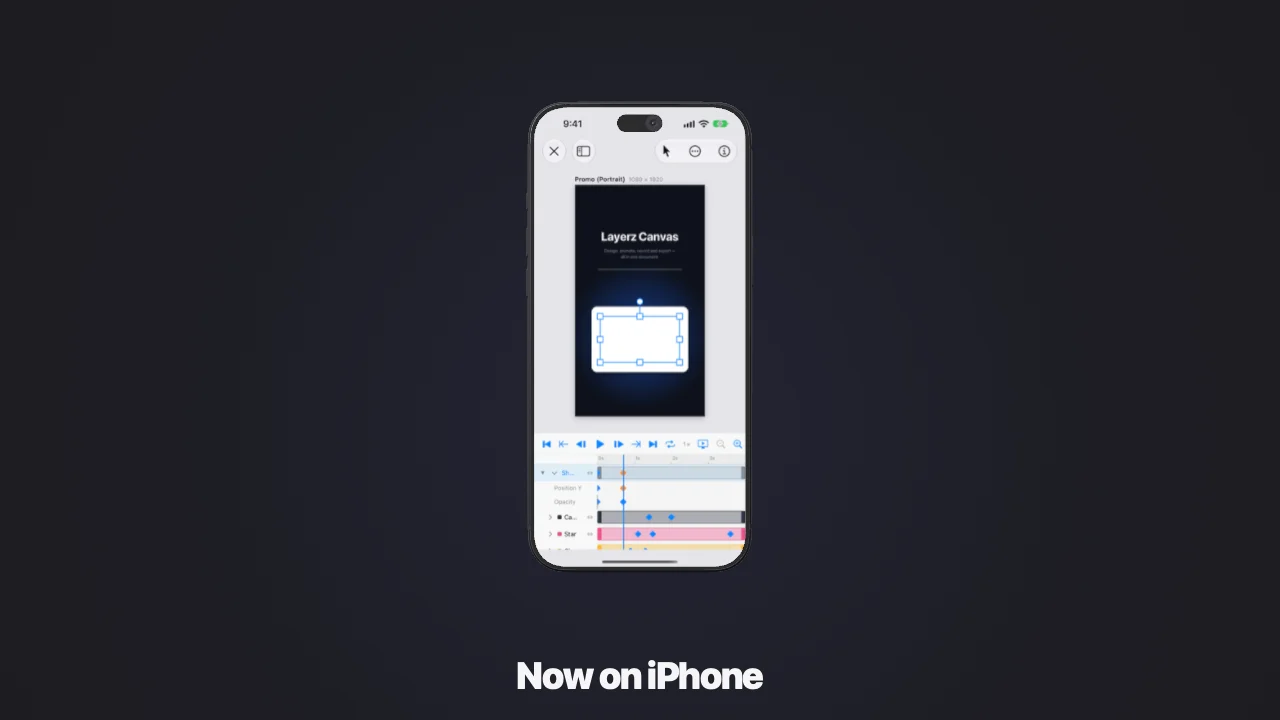
Open the result in Layerz Canvas and change any layer and keyframe — it's a real design document, not a flat video.
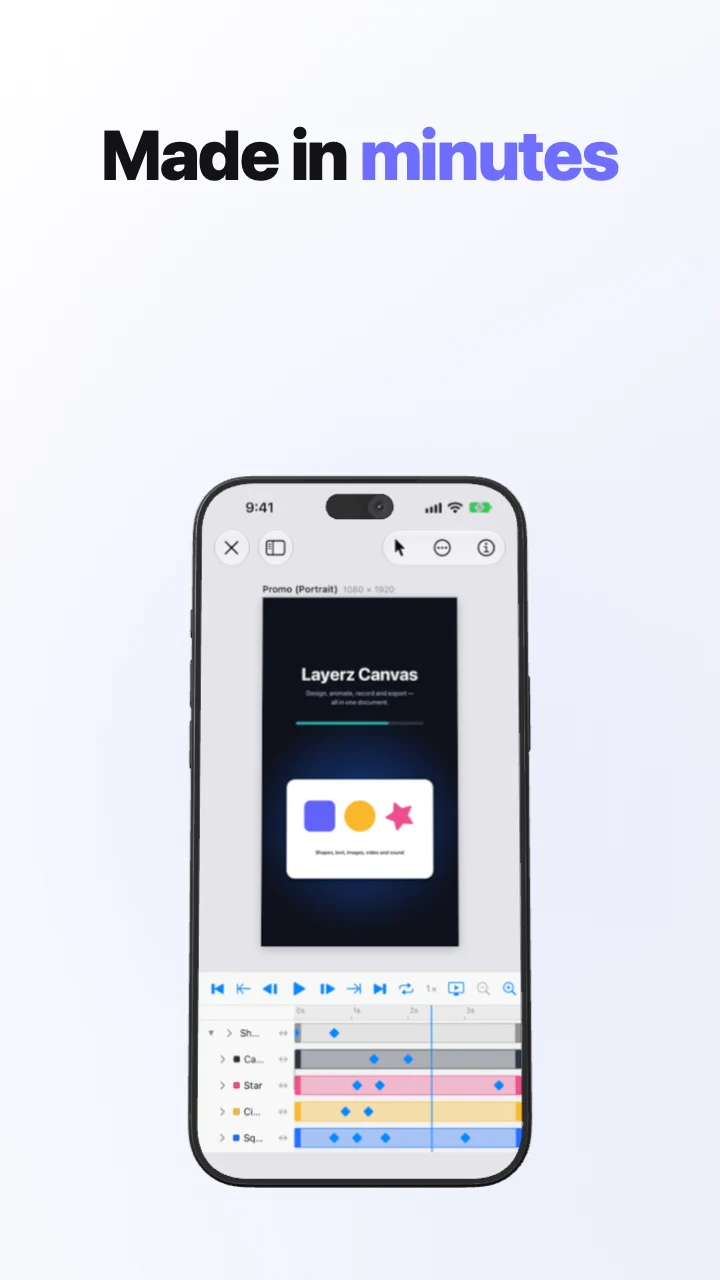
The same project in portrait, for Reels, Shorts and Stories.
Try it before it launches
Layerz Promo is in beta on TestFlight. Make a video for your own app and tell us what would make it better — every feature is unlocked during the beta.