
Creating a Project
How to launch Layerz for the first time and create a new project
2 min read
When you launch Layerz, the main screen appears first. From the main screen you can browse example apps, learn how to use Layerz, create a new project, or open an existing one.
Design Gallery
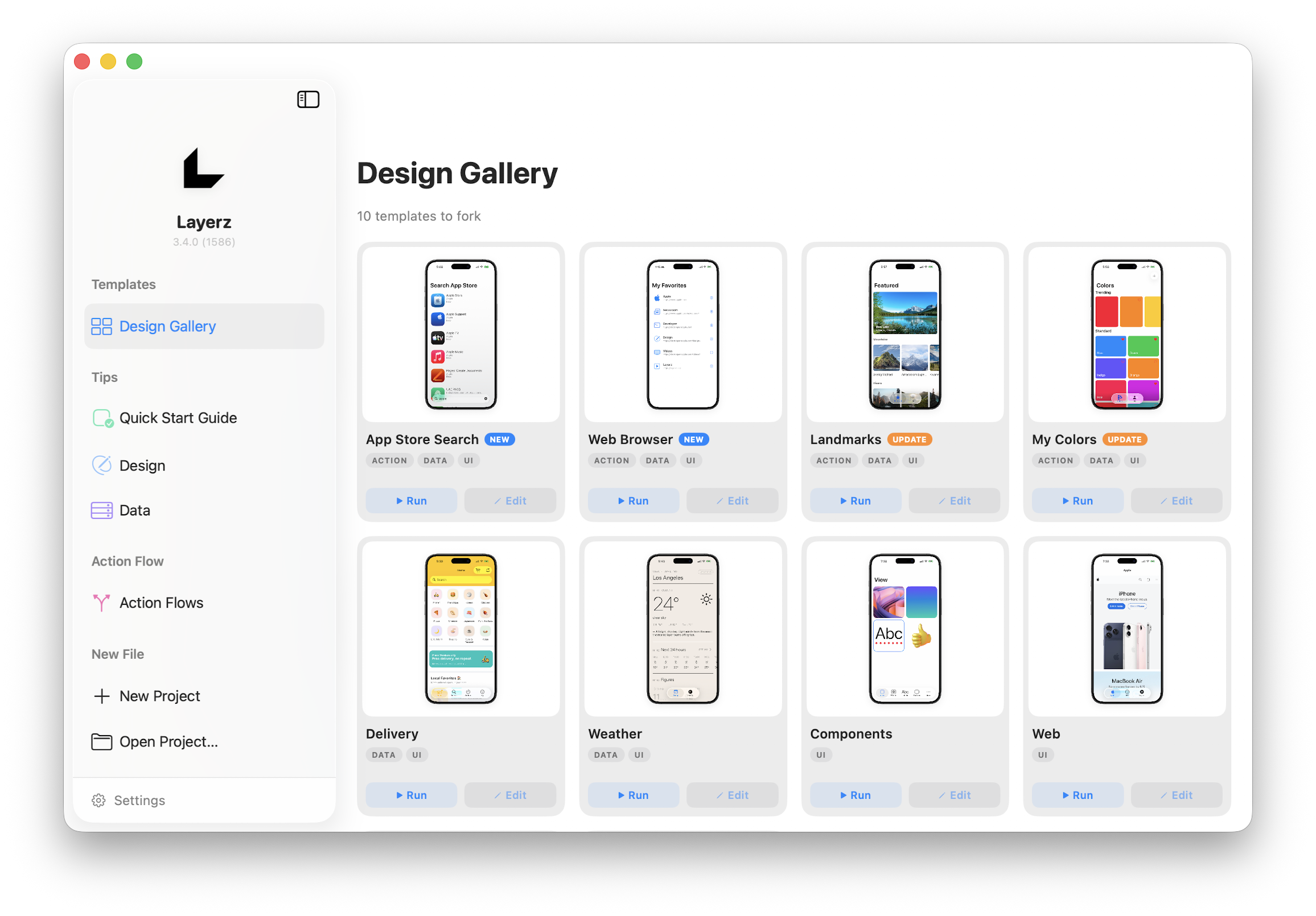 Main Screen
This is a collection of example apps you can build with Layerz. You can run each example yourself, and pressing the Edit button opens that example directly in the editor so you can explore its structure. If this is your first time, opening an example you like and seeing how it was built is the fastest way to learn.
Tips
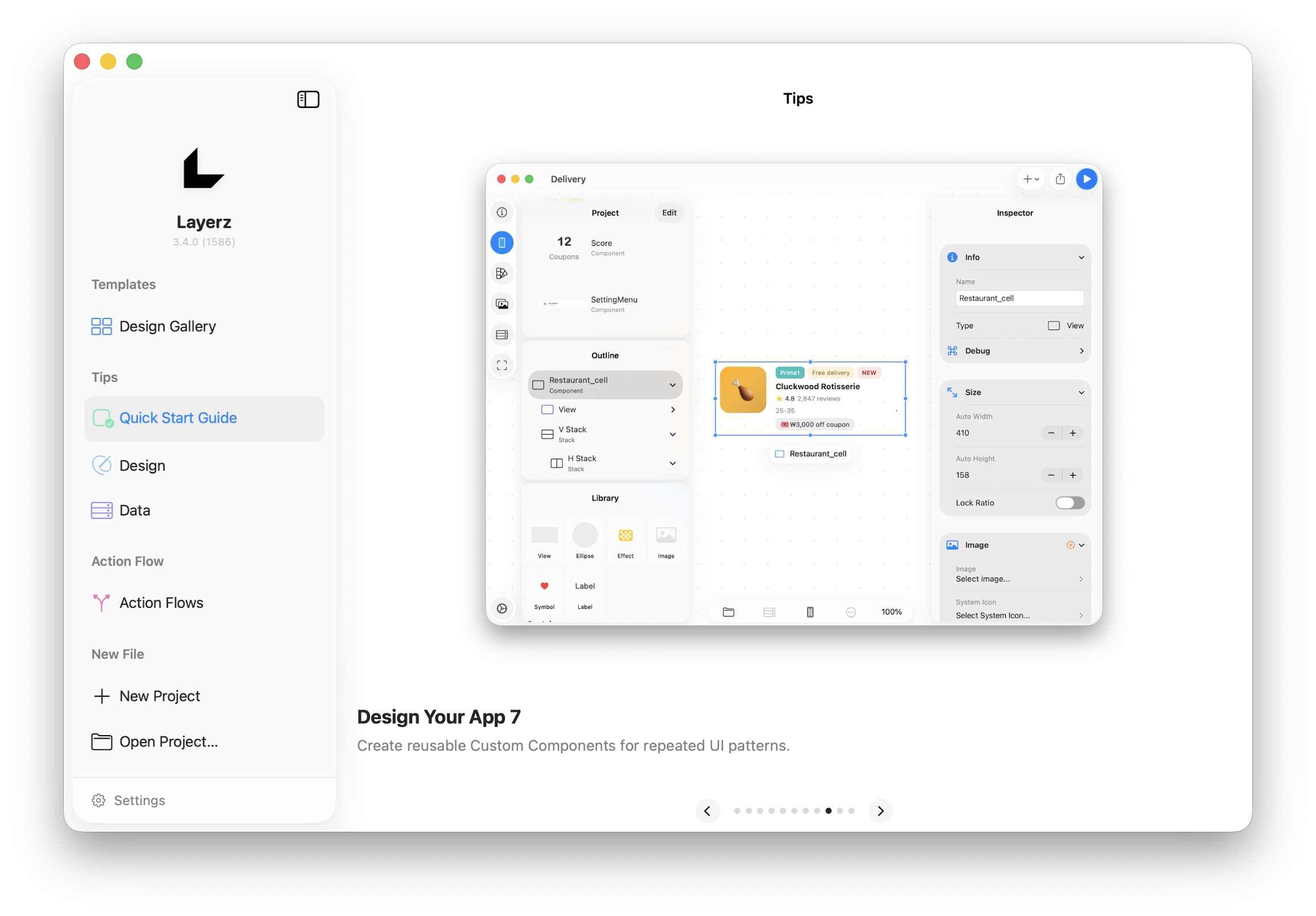 Tips
TipsLearn how to build apps with Layerz through short tips.
Action Flow
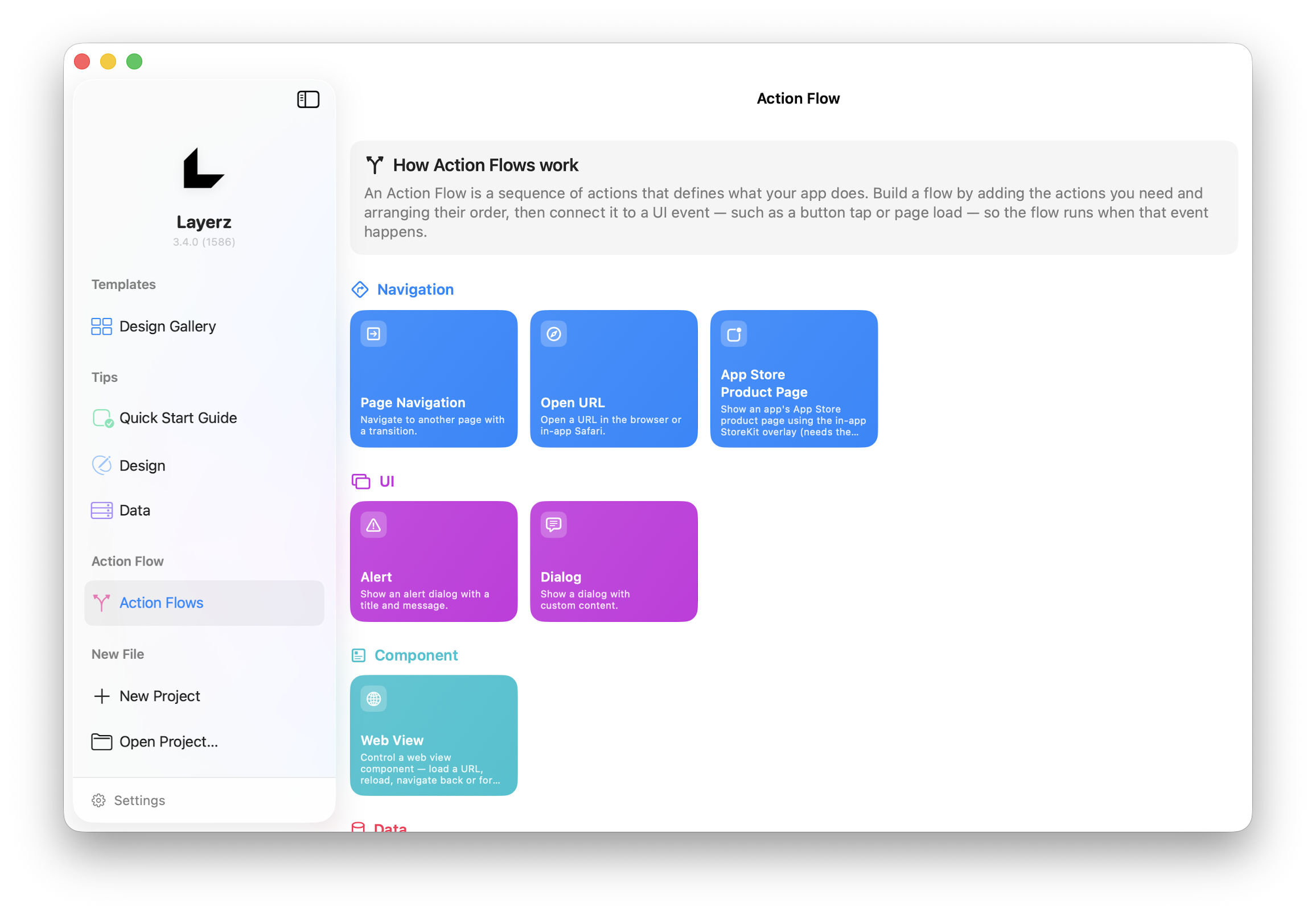 Action Flow
See every Action used to define your app's behavior at a glance.
Creating a New Project
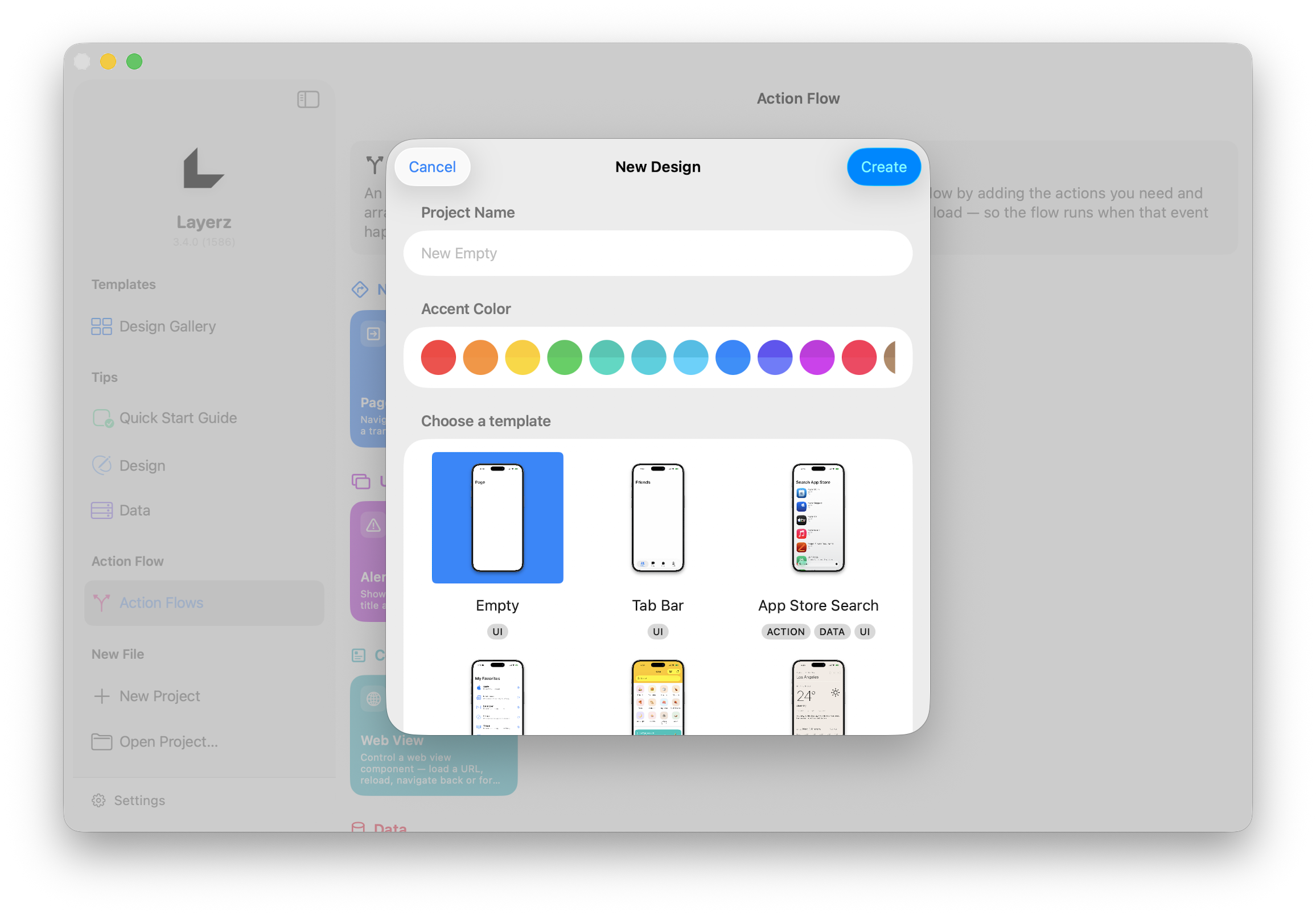 New Project
Create a new project or open a saved one in the Project area. When you create a new project, the editor opens with a single empty Screen, and you start designing your screen from there.
App Info
When you create a new project, the App Info tab is the first thing you see in the editor. Here you set the app icon and app name, and you can review all the app elements added to the project at a glance. You can quickly prototype a new app idea at any time.
If you're curious about the editor's layout, see Interface Overview.